Best JPG to PDF Converter 2026: Convert Images to PDF Online for Free

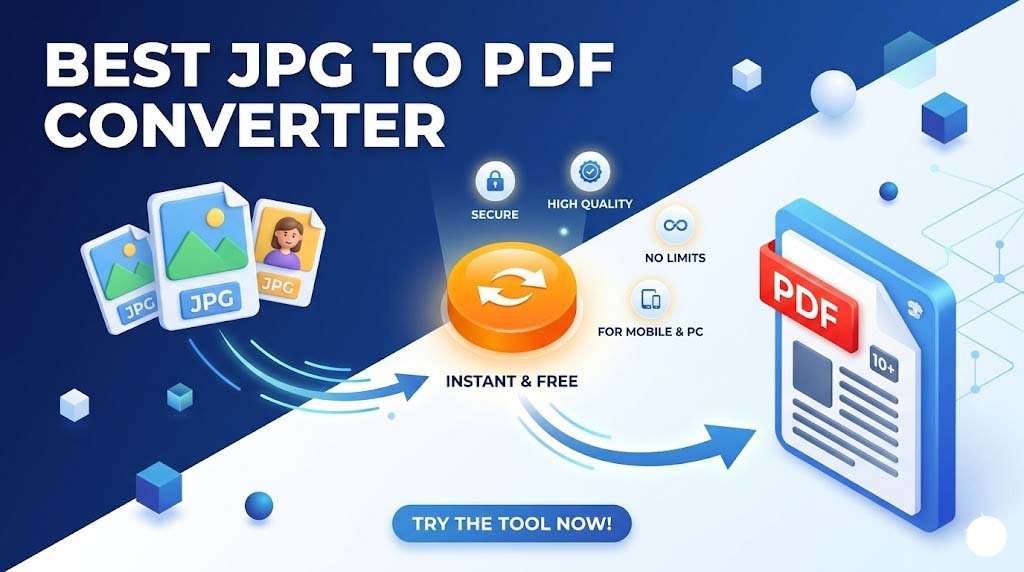
Best JPG to PDF Converter 2026: Convert Images to PDF Online for Free.In today’s digital world, the need to convert JPG to PDF has become a daily necessity. Whether you are a student submitting an assignment, a professional sharing reports, or someone organizing scanned receipts, merging images into a single document is the most efficient way to manage your files.
If you are looking for a fast, secure, and free online JPG to PDF converter, you’ve come to the right place.
Why Should You Convert JPG to PDF?
While JPG is great for photos, the PDF (Portable Document Format) offers several advantages that make it the industry standard for sharing documents:
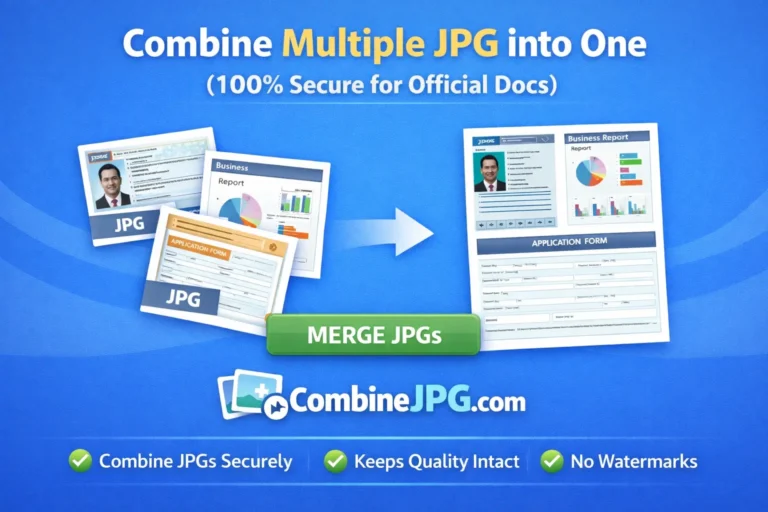
- File Organization: Instead of sending 20 separate image files, you can merge multiple JPGs into one PDF.
- Universal Compatibility: PDFs look the same on every device, whether it’s an iPhone, Android, or Windows PC.
- Reduced File Size: A high-quality image to PDF converter can often compress the file size without losing clarity, making it easier to send via email.
- Professionalism: Documents in PDF format look more official and are easier for the recipient to read and print.
How to Use Our Best JPG to PDF Converter Tool (Step-by-Step)
Converting your files on our platform is incredibly simple. Follow these four easy steps:
- Upload Your Images: Click the “Upload” button or drag and drop your files into the box. You can select multiple JPG, PNG, or BMP files.
- Arrange the Order: Once uploaded, you can reorder the images to ensure they appear in the correct sequence in your PDF.
- Click Convert: Hit the “Convert to PDF” button. Our lightning-fast server will process your request in seconds.
- Download Your File: Click the download link to save your newly created PDF document to your device.
Why You Should Skip Expensive Paid Tools
You might think that paid software is always better, but when it comes to a simple task like converting JPG to PDF, premium tools often come with unnecessary headaches. Here is why you should avoid them:
1. The “Subscription Trap”
Most professional tools now use a monthly or yearly subscription model. Why pay $15–$20 every month just to merge a few photos? Our tool gives you the same high-quality result for zero cost.
2. Complicated Interfaces
Paid software is often bloated with hundreds of features (like 3D editing or CAD integration) that you will probably never use. This makes the interface confusing. Our tool is purpose-built and takes only seconds to learn.
3. Forced Account Creation
Paid tools usually force you to sign up, verify your email, and sometimes even provide credit card details just for a “free trial.” With us, there is no registration just upload, convert, and go!
4. System Slowdown
Heavy desktop software takes up gigabytes of space and can slow down your computer or mobile. Since our converter is cloud-based, it doesn’t use your device’s processing power or storage.
5. Installation Barriers
If you are using a public computer (like at a library or office), you often aren’t allowed to install new software. Our online JPG to PDF converter works directly in your browser, requiring no installation.
Summary Table: Free Online vs. Paid Software
| Feature | Our Free Tool | Paid Software (e.g. Adobe) |
| Cost | 100% Free | Expensive Subscription |
| Setup | Instant (No Install) | Large Download & Install |
| Account | Not Required | Mandatory Signup |
| Speed | Seconds | Minutes (due to loading) |
| Device | Mobile, PC, Tablet | Mostly Desktop-focused |
Key Features of Our Online Image Converter
What makes our JPG to PDF tool stand out from the rest?
1. 100% Free & No Limits
Unlike other tools that hide features behind a paywall, our service is completely free. You can convert unlimited images to PDF without spending a penny.
2. No Registration or Signup
We value your time. You don’t need to create an account or provide an email address. Just visit the site and start converting.
3. Privacy and Data Security
Your privacy is our priority. All uploaded files are processed through a secure connection and are automatically deleted from our servers after one hour.
4. High-Quality Resolution
Our converter ensures that your images don’t lose their sharpness. You get a crisp, clean, and high-definition PDF every time.
Frequently Asked Questions (FAQs)
Can I convert JPG to PDF on mobile?
Yes! Our tool is fully responsive and works perfectly on Android, iOS (iPhone), and tablets through any mobile browser.
Is there a limit to how many images I can merge?
No. You can upload and combine multiple JPG files into a single PDF document in one go.
Does this tool support other formats?
Absolutely. While it is optimized for JPG, you can also use it as a PNG to PDF or WebP to PDF converter.
Conclusion
Don’t let bulky image files slow you down. Use our fast JPG to PDF converter to streamline your workflow and keep your documents organized. It’s safe, simple, and best of all—totally free!