Combine Multiple JPG into One (100% Secure for Official Docs) 2026

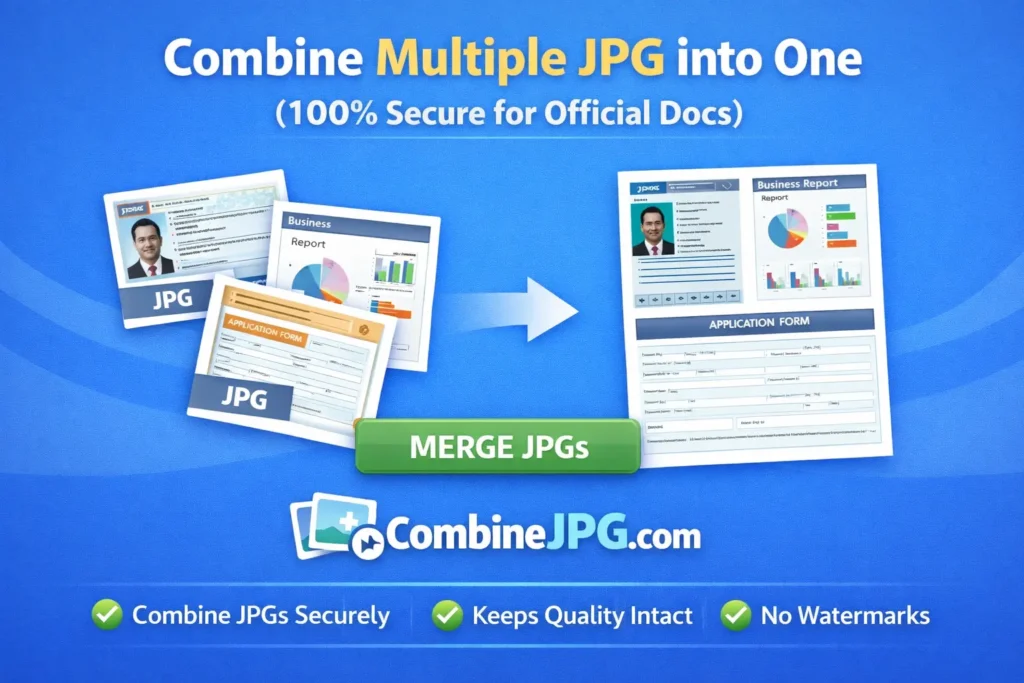
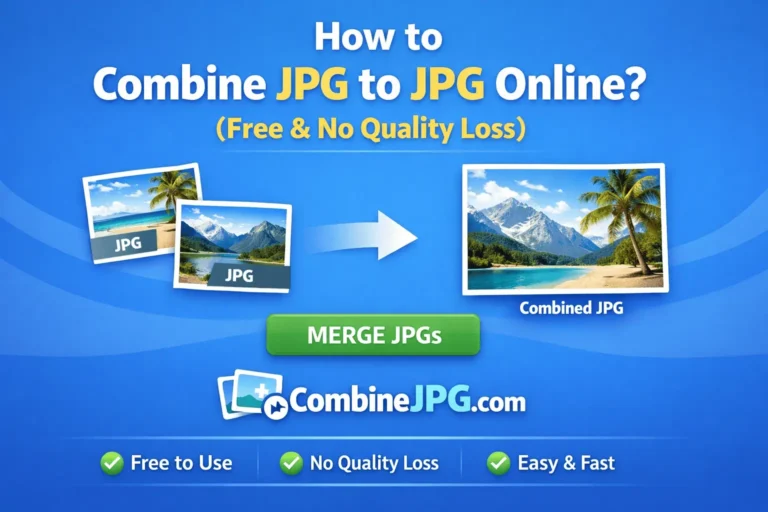
Have you ever tried applying for a dream job or a visa, only to find that the portal allows just one image upload for all your degrees? It’s a common frustration. Digital workflow demands efficiency, yet many systems remain restrictive. Whether you’re handling a march jpg task (that common typo for merge we all make!) or organizing professional photography for a portfolio, the ability to combine jpg to jpg seamlessly is a must-have skill in 2026.
The Solution: Professional JPG Merging
At CombineJPG.com, we’ve engineered a solution that removes the complexity of heavy, expensive software like Photoshop. We provide a browser-based jpg merger that delivers high-resolution results in milliseconds. This isn’t just about sticking two pictures together; it’s about creating a professional-grade document that meets the strict requirements of government portals like FPSC (Federal Public Service Commission), PPSC, or international immigration systems.
Why CombineJPG.com is Best for Sensitive Data?
When you are merging sensitive documents like your National ID (CNIC), passport scans, or educational transcripts, privacy is your biggest concern. Most online tools upload your data to their servers. Our Advantage:
- Client-Side Processing: Your files never leave your device. The merging happens in your browser’s memory.
- No Registration: We don’t ask for your email or personal info.
- Instant Deletion: Since nothing is uploaded, there is nothing for hackers to steal.
CombineJPG.com vs. Competitors: Speed, Privacy, and Performance
| Feature | CombineJPG.com | Other Online Tools |
| Data Privacy | 100% Secure (Client-Side) | Low (Files Stored on Cloud) |
| Processing Speed | Instant (Browser RAM) | Slow (Upload & Queue Time) |
| Registration | No Account Needed | Usually Required |
| Daily Limits | Unlimited Files | Often 20 Files per day |
| Cost | 100% Free Forever | Hidden Fees / Watermarks |
Our comparison highlights why thousands of global users trust CombineJPG.com for their sensitive document merging needs over traditional cloud-based alternatives
Step-by-Step: Merging for Portals (FPSC/Visa)
- Go to Our Combinejpg.com home page
- Prepare Your Scans: Ensure your images are clear. Our tool handles JPG, JPEG, and PNG.
- Order Matters: For degrees, upload the front side first, then the back. You can drag and drop to reorder thumbnails easily.
- Select ‘Vertical’ for Documents: For official paperwork, a Vertical (stacked) alignment is usually preferred as it looks like a scanned page.
- Zero Spacing: Keep ‘Spacing’ at 0px for a seamless look that looks like a single continuous scan.
- Merge & Download: Hit “Combine” and you’ll have a single file ready for that restrictive upload field.
Frequently Asked Questions (FAQ)
How do I combine 2 JPG files into 1 without losing quality?
Use our jpg merger online free. By keeping the quality slider at “Balanced” or “High,” the tool ensures that the resolution of your original certificates remains crisp, making text easy to read for recruiters.
Can I join JPEG images horizontally for a side-by-side comparison?
Absolutely. Our tool allows you to join jpeg images horizontally. This is perfect for “Before and After” photos or showing the front and back of an ID card side-by-side.
Is it safe to merge my passport scan on this site?
Yes. Because CombineJPG.com uses local browser processing, your passport scan is never transmitted over the internet to a server. It is 100% private.
Is there a file size limit when combining images for international portals?
Most international portals (like for US Visa or UK University admissions) have a 2MB to 5MB limit. When you combine multiple JPG into one on our site, you can use our quality slider to optimize the file size. This allows you to merge 5-10 pages into a single file while staying under the official size limit without losing text clarity.
Can I merge PNG and JPG files together for my professional portfolio?
Yes, absolutely! Our online JPG merger is versatile. You can upload a mix of PNG and JPG formats (like a PNG logo and a JPG project photo), and our tool will unify them into a single, high-quality JPG file instantly.
Does CombineJPG.com work on mobile devices?
Yes. Whether you are using an iPhone, Android, or a tablet, you can merge images to JPG directly in your mobile browser. This is perfect for when you’ve just taken a photo of a document and need to merge it on the go for an urgent submission.
Why is “Client-Side” processing better for my data privacy?
Traditional tools upload your files to a cloud server to process them. CombineJPG.com uses your browser’s local memory (JavaScript) to join the images. This means your private documents, such as passport scans or bank statements, never travel across the internet. If you are a “privacy-first” user, this is the gold standard for security.
Will the merged JPG be compatible with all PDF converters?
Definitely. Our output is a standard high-compatibility JPG. Once you join JPEG images using our tool, you can easily convert that single file into a PDF or upload it directly to any official portal that accepts image format