Why High-Quality JPG Merging is Critical for Job Applications 2026 Guide

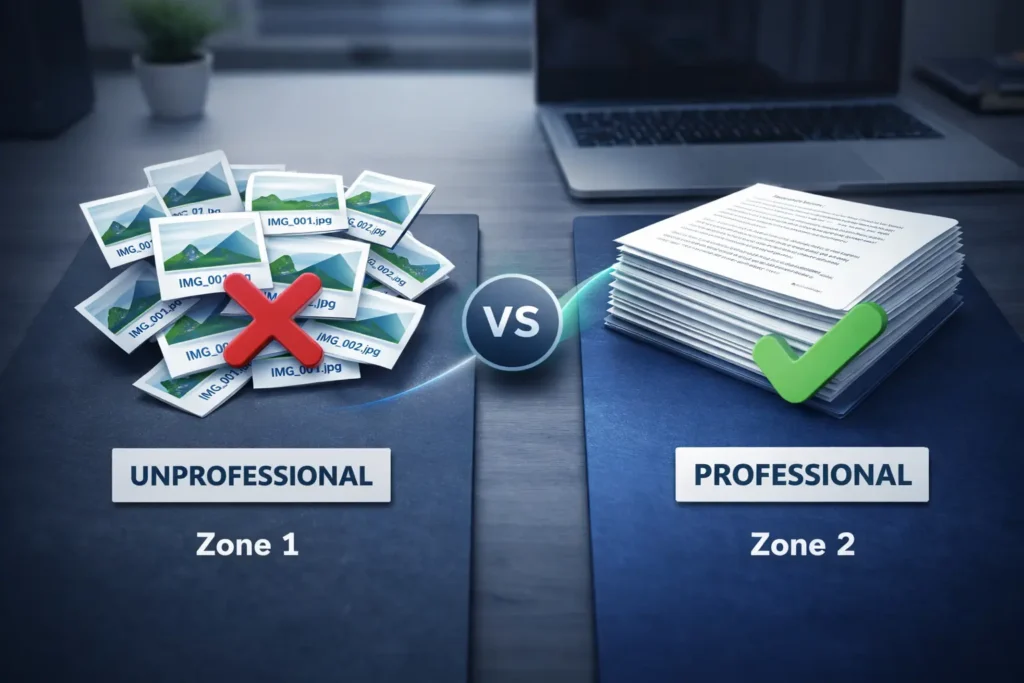
In the modern job market, your first impression isn’t made during the interview it’s made in the recruiter’s inbox. When you apply for a position, you often need to submit multiple documents: degrees, certifications, ID copies, and recommendation letters. Sending 10 separate image files is a surefire way to look disorganized.
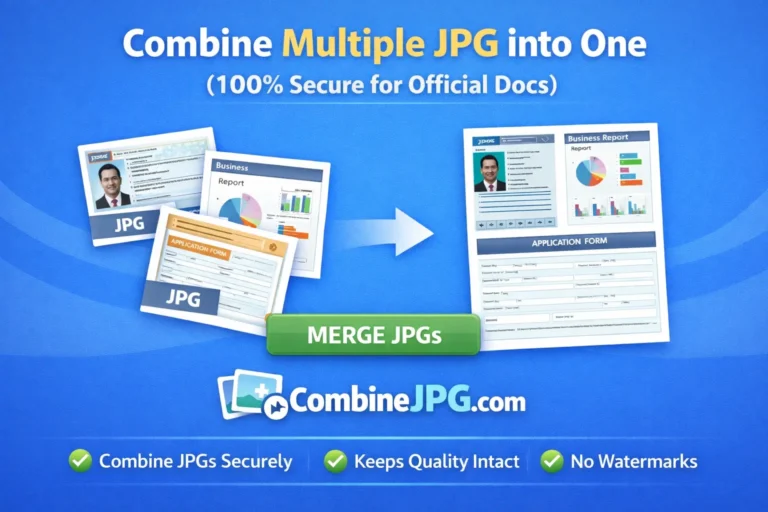
The solution? High-quality JPG merging. By using a professional Combine JPG tool, you can present a single, polished file that reflects your attention to detail.
The Recruiter’s Perspective: One File vs. Ten
Imagine a hiring manager receiving 500 applications. If your documents are scattered, they have to click, download, and open each image individually. Most recruiters will simply skip to the next candidate.
By using an Image Merger, you provide a seamless experience. Whether you Combine JPG to PDF or merge multiple certificates into one long image, you are demonstrating digital literacy and professionalism.
Key Reasons to Merge Your Application Documents
1. Professionalism and Organization
A single, well-named file (e.g., John_Doe_Certificates.pdf) looks significantly better than IMG_001.jpg, IMG_002.jpg, etc. Using a Combine JPG to JPG tool allows you to align your documents in a logical order, showing the recruiter that you are structured and methodical.
2. Beating the Applicant Tracking System (ATS)
Many companies use ATS software to filter candidates. These systems prefer consolidated files. If you upload multiple loose images, the system might fail to parse your data. To ensure your text is readable, you can even use our Image to Text tool to extract info and double-check its clarity before merging.
3. File Size Optimization
High-resolution scans of degrees can be huge. Most job portals have a file size limit (usually 2MB to 5MB). If you merge files without optimization, they will be rejected. Our tool allows you to Compress JPG files during or after merging to ensure they meet portal requirements without losing readability.
How to Prepare Your Job Documents on CombineJPG.com
Follow this workflow to create the perfect application package:
- Format Consistency: If your documents are in different formats, use WebP to JPG or Combine JPG to PNG to make sure every page looks uniform.
- Sequence Matters: Upload your most important certificate first (e.g., your highest degree) followed by supporting documents.
- The Merge: Use our Combine JPG to PDF feature. PDF is the gold standard for job applications globally because it preserves formatting across all devices.
- Final Check: Ensure the text is crisp. If you have a blurry scan, use the OCR/Image to Text feature to recreate the document in Word for a cleaner look.
Document Presentation Comparison
| Feature | Multiple Loose Images | Merged Professional File |
| First Impression | Messy / Unprofessional | Polished / Organized |
| Ease of Access | Difficult (Multiple Clicks) | Easy (One Click) |
| Mobile Viewing | Poor | Excellent |
| ATS Compatibility | Low | High |
| File Naming | Random | Custom & Branded |
Frequently Asked Questions (FAQs)
Should I merge my Resume and Cover Letter into one JPG?
While you can, it is better to Combine JPG to PDF for these documents. PDF ensures that your layout remains exactly as you intended, regardless of what software the recruiter uses.
Will merging images reduce the quality of my certificates?
Not with combinejpg.com. Our algorithm is designed for “High-Quality Merging,” meaning your text stays sharp and your signatures remain clear.
What is the best format for job portals?
Most portals prefer PDF. However, some creative roles (like Graphic Design) might require you to Combine JPG to PNG to showcase a portfolio strip.
Can I merge images of different sizes?
Yes! Our tool automatically adjusts the canvas so that your certificates look aligned, even if one was scanned as an A4 and another as a letter size.
Conclusion: Don’t Let Poor Formatting Cost You a Job
Your qualifications are impressive—make sure the way you present them is equally impressive. High-quality image merging is a small step that makes a massive difference in how you are perceived by global employers.
Ready to upgrade your application? Start Merging Your Documents Now at CombineJPG.com!