How to Combine JPG to JPG Online? (Free & No Quality Loss) 2026

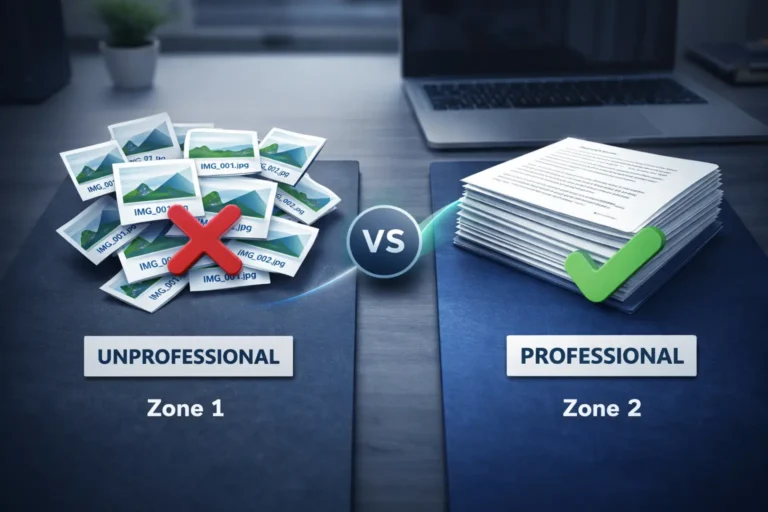
In today’s fast-paced digital economy, efficiency is the only currency that matters. The real frustration kicks in when you’re hit with a technical roadblock having multiple high-resolution images to submit while an official portal allows only a single upload field. Whether you are a student applying for an Ivy League admission, a freelancer building a professional design portfolio, or an applicant navigating complex international visa systems, these technical hurdles can derail your progress. In those high-stakes moments, file size issues or restrictive upload limits don’t just waste your time they add a layer of stress to an already critical task.
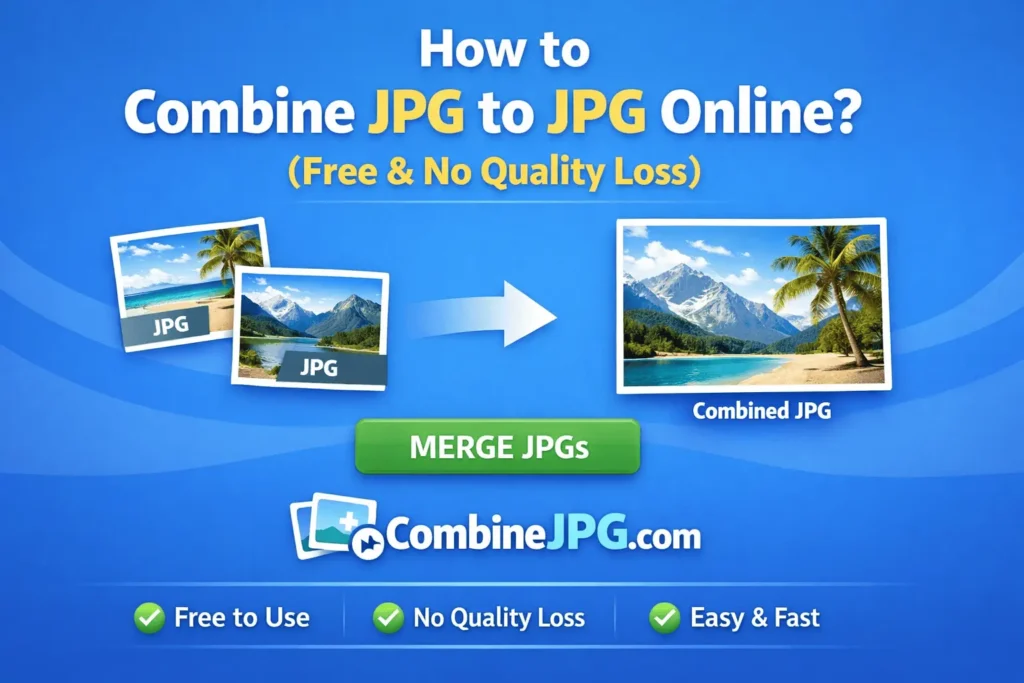
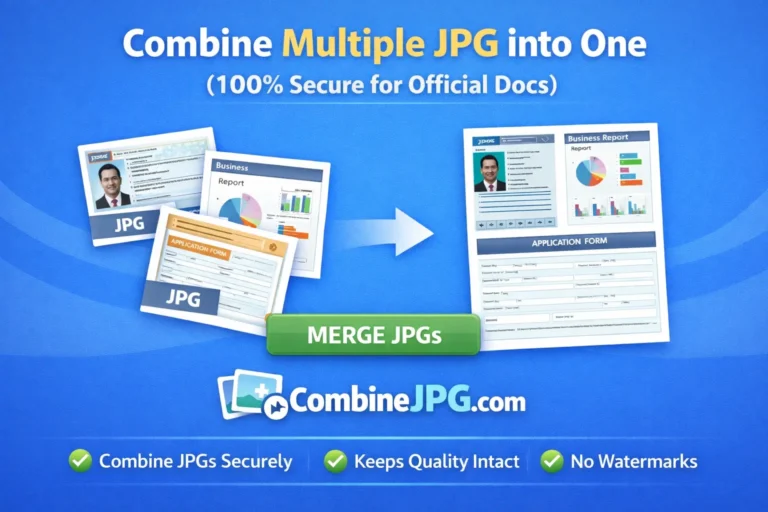
Whether you landed here after a hurried search for ‘march jpg’ (that common typo we all make when multitasking under a deadline!) or you are a digital nomad looking to organize your travel documents, you need a solution that is both lightning-fast and rock-solid in security. At CombineJPG.com, we have effectively eliminated the need for heavy, expensive, and intimidating software like Adobe Photoshop. Our browser-based jpg merger doesn’t just ‘stitch’ images together; it intelligently preserves the original resolution and color accuracy of your files, ensuring that fine print on transcripts remains sharp and professional visuals stay crisp.
The best part? We value your time as much as your privacy. Unlike other platforms, there is absolutely no need for tedious registrations, email sign-ups, or creating an account. Simply drag and drop your images, arrange them horizontally or vertically to suit your specific aesthetic or professional needs, and download your unified file in milliseconds.
Furthermore, we have engineered this tool with a ‘privacy-first’ mindset for a global audience. All processing happens locally on your own device through advanced client-side technology. This means your sensitive data be it passport scans, academic degrees, or private legal contracts never touches our servers and stays 100% secure. It’s professional-grade image merging made simple, safe, and accessible for the modern global citizen.
Expert Features of Our JPG Joiner
To understand why users prefer our tool to merge jpg online, let’s look at the professional-grade features we offer:
- Lossless Compression: Our algorithm ensures that when you combine multiple jpg into one, the clarity of the text and images remains sharp.
- Flexible Orientation: Easily switch between Horizontal (Side-by-Side) and Vertical (Stacked) layouts.
- Custom Padding: Control the “Spacing” between images to create a clean, professional aesthetic.
- Zero-Server Footprint: Your privacy is guaranteed through local browser processing.
How to Combine JPG Files (The Professional Way)
Follow this refined process to ensure your final output is perfect for any platform:
- First go to our combinejpg.com home page
- Selection: Upload your JPG, JPEG, or PNG files. Our system automatically converts them into a unified JPG format.
- Sequencing: Drag and drop the thumbnails to arrange the order. For official documents, ensure the sequence follows the required page numbers.
- Layout Configuration: * Horizontal: Best for “Before & After” shots.
- Vertical: Best for long documents or infographics.
- Export: Click “Combine to JPG.” The process is instant, and your file is ready for high-speed download.
Need your images in a different format? Check out our JPG to PDF Converter for document-ready files.
Use Cases – Why Professionals Merge Images
- Visa & Job Applications: Often, portals only allow one upload field. You can merge jpg files into one to include your ID and Certificate in a single view.
- Real Estate: Combine multiple angles of a property into one wide-angle image for better listing visibility.
- Graphic Design: Quickly join jpeg images to create mood boards or concept presentations for clients.
Frequently Asked Questions (FAQ)
Is there a limit to how many files I can combine?
Unlike other tools that limit you to 20 files, CombineJPG.com allows you to combine multiple jpg into one without any strict restrictions. However, for the best browser performance, we recommend batches of up to 50 images.
Will my images lose quality after the merge?
No. Our tool is optimized to maintain the original resolution. When you merge jpg online free using our platform, we use high-quality sampling to ensure no pixelation occurs.
Can I combine PNG and JPG together?
Yes! Our jpg merger is versatile. You can upload PNG and JPG files simultaneously, and the tool will unify them into a single, high-quality JPG file.
Is it safe to use CombineJPG.com for sensitive documents?
Absolutely. We use client-side technology. This means your files are processed in your browser’s RAM and never uploaded to our servers. Your data stays with you.
What does “march jpg” mean in search results?
March jpg” is a common typographical error for “merge jpg.” If you searched for this term, you are in the right place to join your images together