WebP to JPG Converter Online Free – Fix Images That Won’t Open

You saved an image from a website, and now it won’t open. Or you tried attaching a photo to an email and the recipient says it just shows a broken icon. Nine times out of ten, the file is a WebP, and something on the other end doesn’t know what to do with it.
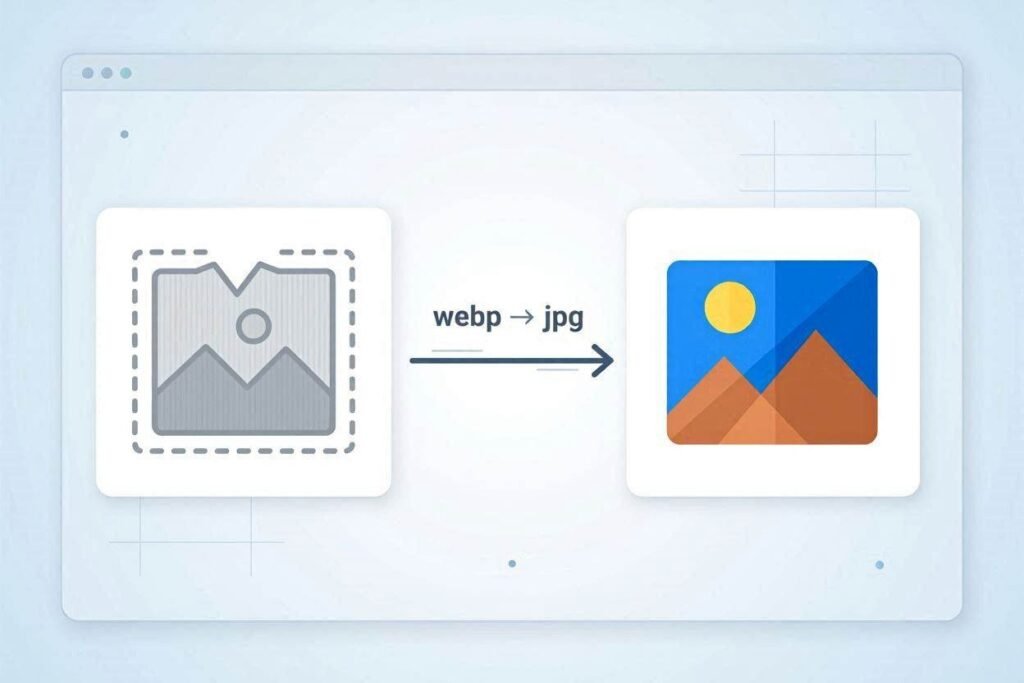
WebP is a format Google built for the web. It compresses images smaller than JPG while keeping most of the detail, which is exactly why so many websites now serve WebP by default. Right-click “Save Image As” on Chrome and you’ll often get a .webp file even if the original photo was a JPG.
The problem is that WebP support is still patchy outside the browser. Older versions of Photoshop won’t open it. Some printing shops won’t accept it. Certain phone galleries display it fine but choke when you try to upload it to an older app. Windows Photo Viewer, plenty of PDF tools, and a good number of e-commerce platforms still expect a plain JPG.
Where WebP Actually Causes Problems
- Uploading a profile picture or product photo to a site that only accepts JPG or PNG
- Attaching an image to an email in Outlook and having it show as a blank square
- Printing a photo at a shop that scans for .jpg or .png extensions only
- Opening a saved image in older design or office software
- Submitting photos for a job application, visa, or government form that explicitly asks for JPEG
Converting WebP to JPG Without Installing Anything
You don’t need Photoshop or a command-line tool for this. A browser-based converter does the job in seconds:
- Open the WebP to JPG tool on CombineJPG.
- Drop in your WebP file (or several at once if you’re converting a batch).
- The tool converts it to a standard JPG right in your browser, so nothing gets uploaded to a server.
- Download the result and use it anywhere a JPG is expected.
Because the conversion happens locally in your browser, it’s also faster than tools that upload your file, wait in a queue, and send it back. That matters if you’re converting a folder full of product photos or an entire camera roll someone shared with you as WebP files.
FAQs — WebP to JPG Converter
Is it safe to convert WebP to JPG online?
Yes, as long as the tool processes the file in your browser instead of uploading it to a server. CombineJPG’s converter works locally, so your image never actually leaves your device during conversion.
Will converting WebP to JPG reduce the image quality?
A single conversion at normal quality settings won’t cause any visible difference. Quality loss only becomes noticeable if you keep converting the same image back and forth between formats multiple times.
Why does Chrome save images as WebP even when the site shows a JPG?
Many websites serve WebP versions of their images to load faster, even if the “original” file elsewhere is a JPG or PNG. When you right-click and save, you’re getting whatever format the browser actually downloaded, which is often WebP.
Can I convert multiple WebP files to JPG at once?
Yes. You can select several WebP files together and convert them all in one batch instead of doing them one at a time.
Do I need to install any software to open WebP files?
No. Instead of installing a WebP viewer or plugin, it’s usually faster to just convert the file to JPG once, which then opens normally in absolutely everything — no software needed on your end.
Does this work on mobile phones too?
Yes. Since it runs in the browser, it works the same way on a phone, tablet, or computer no app download required.
Is there a limit to how many times I can use the converter?
No. It’s free to use as many times as you need, with no daily limit or account required.
A Quick Note on Quality
Converting WebP to JPG once, at a reasonable quality setting, won’t cause a visible difference. Where people run into trouble is repeatedly converting back and forth between formats, since each JPG save compresses the image again. If you’re only doing this once to make a file compatible with an app or website, you’re fine.
If you regularly deal with images in more than one format say you download product photos as WebP but need JPG for your store and PNG for print it’s worth bookmarking the converter rather than hunting for a new tool every time the problem comes up.