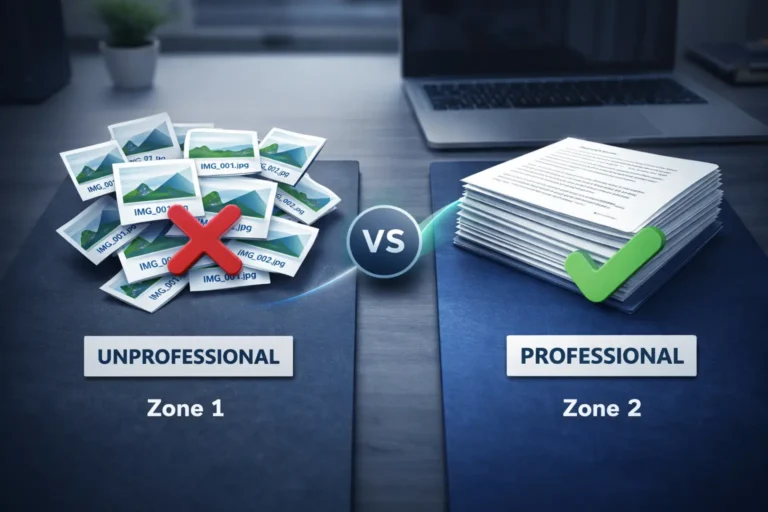
How to Combine Aadhaar Card Both Sides Into One Image Free

Every Indian has been through this moment you are completing a KYC form, a mutual fund application, or a new bank account registration, and the platform asks you to upload both sides of your Aadhaar in a single image or PDF. You have two separate photos one of the front and one of the back and no obvious way to merge them without downloading software you have never heard of or paying for a tool you will use exactly once.
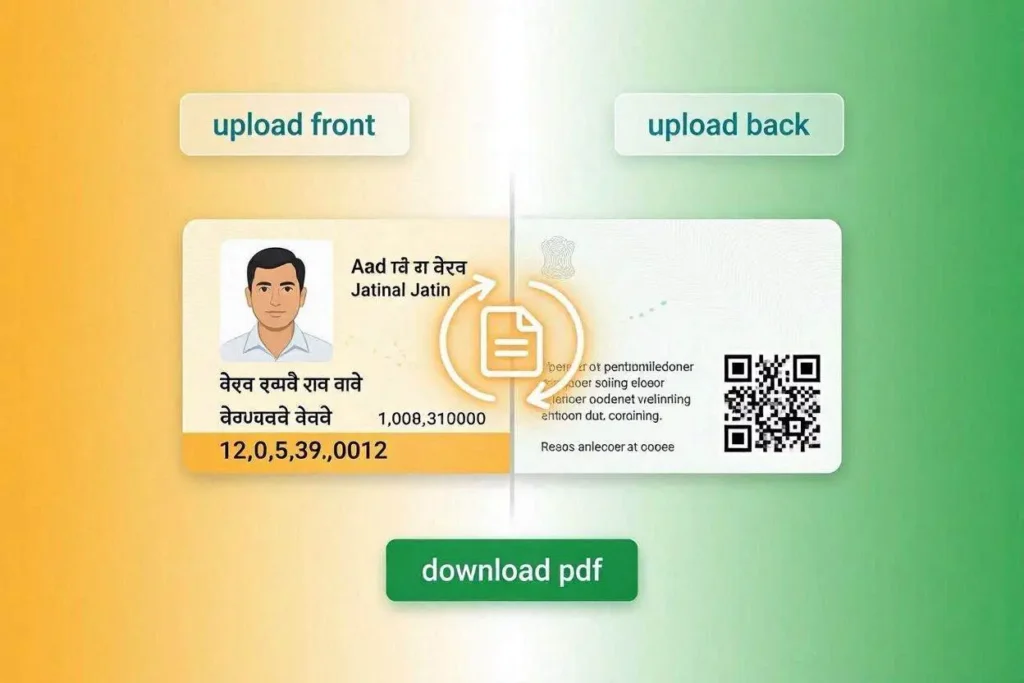
Here is the straightforward solution. This guide shows you how to combine your Aadhaar card both sides into one clean image or PDF, completely free, using only your browser no app, no account, no watermark, and no server upload of your personal data.
What Information Is on Each Side of Your Aadhaar?
Understanding what each side contains helps you confirm your merged file looks correct before submitting.
The front of your Aadhaar card shows your photo, full name, date of birth, gender, and your 12-digit Aadhaar number. This is the primary identification side.
The back of your Aadhaar card shows your full registered address, pincode, and the QR code that contains your digitally signed demographic data. Many institutions require the back specifically to verify your address for proof-of-residence purposes.
When KYC portals ask for both sides, they need everything identity, address, and the verifiable QR code in one document.
How to Combine Aadhaar Card Both Sides Into One Image
The simplest method is CombineJPG’s free ID card merger. The entire process happens in your browser, your images never leave your device, and there is no signup.
Step-by-Step Instructions
- Step 1 — Open combinejpg.com/merge-id-card-front-and-back in your browser. This works on Android, iPhone, Windows, and Mac.
Step 2 — In the front upload section, select your Aadhaar front photo. You will see a preview appear right away.
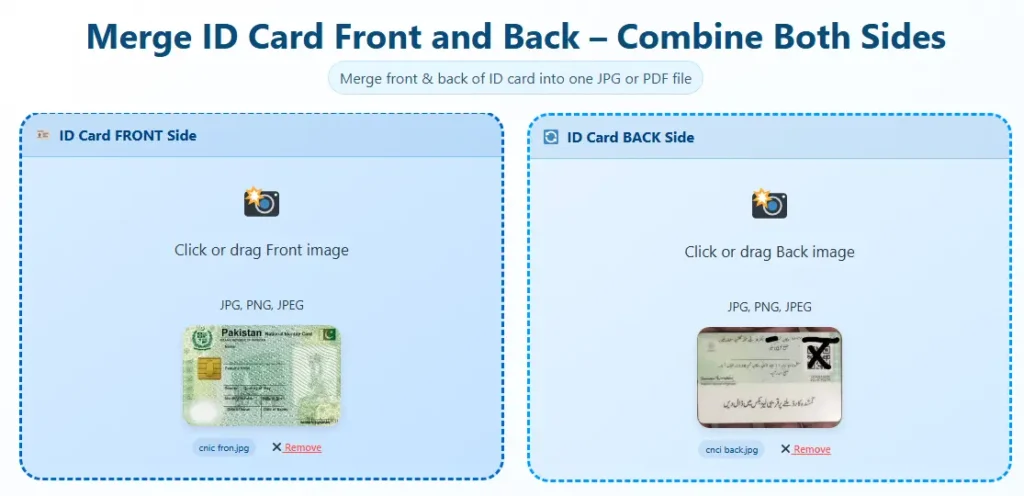
- Step 3 — In the back upload section, select your Aadhaar back photo.
- Step 4 — Choose your layout. For most Indian KYC processes, vertical (stacked) is preferred. For portals that expect landscape documents, use horizontal.
- Step 5 — Choose JPG for digital submission or PDF for print-ready document forms.
- Step 6 — Click Merge and Download. The combined Aadhaar image or PDF downloads to your device in seconds.
Is It Safe to Use an Online Tool for Aadhaar?
This is a critical question. Your Aadhaar contains sensitive personal data tied to your biometrics. You should never use a tool that uploads your images to a third-party server.
CombineJPG processes everything locally in your browser. The images are loaded into browser memory and combined using the HTML5 Canvas API no upload, no server-side processing, no storage. Your Aadhaar data stays on your device from start to finish.
UIDAI also recommends using masked Aadhaar whenever possible for online submissions. Masked Aadhaar hides the first eight digits of your Aadhaar number, showing only the last four, while still being a valid KYC document for most private institutions. You can download masked Aadhaar from the official UIDAI website at uidai.gov.in.
Vertical vs Horizontal Layout for Aadhaar Submission
Most Indian banking and fintech KYC portals expect a vertical layout front on top, back below because it mirrors the standard A4 portrait format used in physical document submissions.
Use horizontal layout for situations where the receiving platform displays images in landscape, or when you are submitting to an international institution that expects a side-by-side format.
When the submission instructions do not specify, always use vertical. It is the universally accepted default for Indian ID documents.
Aadhaar KYC Scenarios Where You Need Both Sides Combined
- New bank account opening under RBI-mandated KYC norms.
- Mutual fund and demat account registration with SEBI-registered intermediaries.
- SIM card registration for new mobile connections.
- LPG gas connection transfers or new connection applications.
- Property registration and rental agreement documentation.
- EPF and income tax return filings that require address proof.
- Freelance platform verification on sites like Fiverr, Toptal, and Payoneer.
What If My Aadhaar Photos Are Different Sizes or Rotations?
Take both photos in good lighting with the card lying flat on a table. If one photo is accidentally rotated, fix it first using a free rotation tool before combining.
CombineJPG also has a standalone image rotation tool that works the same way — browser only, no upload, completely free.
The merger tool automatically resizes both images to match width before combining, so small differences in zoom level are corrected automatically in the final output.
Can I Merge e-Aadhaar PDF Into One Image?
The e-Aadhaar downloaded from the UIDAI website is a password-protected PDF. To use it with the image merger, you will need to first open the PDF (password is the first four letters of your name in uppercase + birth year), take screenshots of the front and back pages, and then use those screenshots with the merger tool.
Alternatively, if you need to combine a PDF page with another image, use CombineJPG’s JPG to PDF tool to build a multi-page PDF.
Frequently Asked Questions
Does this work for masked Aadhaar?
Yes. Masked Aadhaar is just a standard image file. The tool works with any JPG or PNG regardless of whether the Aadhaar number is masked or fully visible.
Can I use this on my phone?
Yes. The tool is fully responsive and works on Android and iPhone browsers without any app installation.
Will the merged file be accepted by bank portals?
The tool produces standard JPG or PDF files. These formats are accepted by all major Indian bank KYC portals, NBFC platforms, and government services. If a portal rejects the file for size reasons, use the compress option to reduce file size before re-uploading.
Final Words
Combining your Aadhaar card both sides into one image is a two-minute task when you use the right tool. Open CombineJPG in your browser, upload both sides, pick your format, and download. No app, no account, no data risk. The next time any KYC form asks for a single-file Aadhaar submission, you are ready.